
Co-op Requirements and Party Size
Sephiria officially supports online co-op for up to four players. That means one host can bring up to three other players into the tower through Steam.
- Connection
- Online co-op through Steam Official
- Capacity
- Up to 4 total players Official
- Access point
- Mysterious Door after the tutorial Observed UI
- Shared actions
- Trade items and revive teammates Official
Create or Join a Session
Both host and guests should complete the Prologue / Tutorial first. The current PC route begins at the Mysterious Door in Bunnyville rather than on the title screen.
Create the Steam lobby
- Complete the Prologue / Tutorial.Continue until Bunnyville and its multiplayer access point are available.
- Go to the Mysterious Door.Interact with the door in the hub to open the multiplayer choice.
- Select Create Steam Lobby.This player becomes the session host and creates the invitation target.
- Send a Steam Invite.Invite each friend from Steam after the lobby exists.
- Confirm the full party.Wait until every intended guest is present before beginning the descent.
Join the host
- Complete the Prologue / Tutorial.Do this before accepting the session invitation.
- Ask the host to create the lobby.A Steam Invite can only target the active session after it exists.
- Accept the Steam Invite.Use the invitation from Steam to join the host's session.
- Check the party before the run.Confirm that every expected player has arrived and can move through the lobby flow.
Inviting Friends
Create the Steam lobby before sending invitations. The host can then open the Steam friends list or Steam Overlay, choose each friend, and send the game invite. Guests join by accepting that Steam Invite.
Host checks
- Steam shows both players online.
- The Sephiria lobby already exists.
- The invite is sent after lobby creation, not before.
- A fresh invite is sent if the lobby was recreated.
Guest checks
- The tutorial has been completed.
- Sephiria and Steam are on the current build.
- The newest invitation is accepted.
- The host is told immediately if joining stalls.
Steam's default Overlay shortcut is Shift + Tab, but a customized Steam shortcut takes priority.
Revive and Downed Teammates
Official 1.0 material confirms that fallen companions can be revived. It does not publish a fixed revive duration, interruption rule, or penalty in the available source archive, so follow the prompt shown by the current build.
Name the teammate and location so the party stops splitting attention.
One player draws or clears nearby threats while another approaches the downed teammate.
Commit one reviver and let the remaining players protect the attempt instead of crowding it.
Trading and Shared Progression Notes
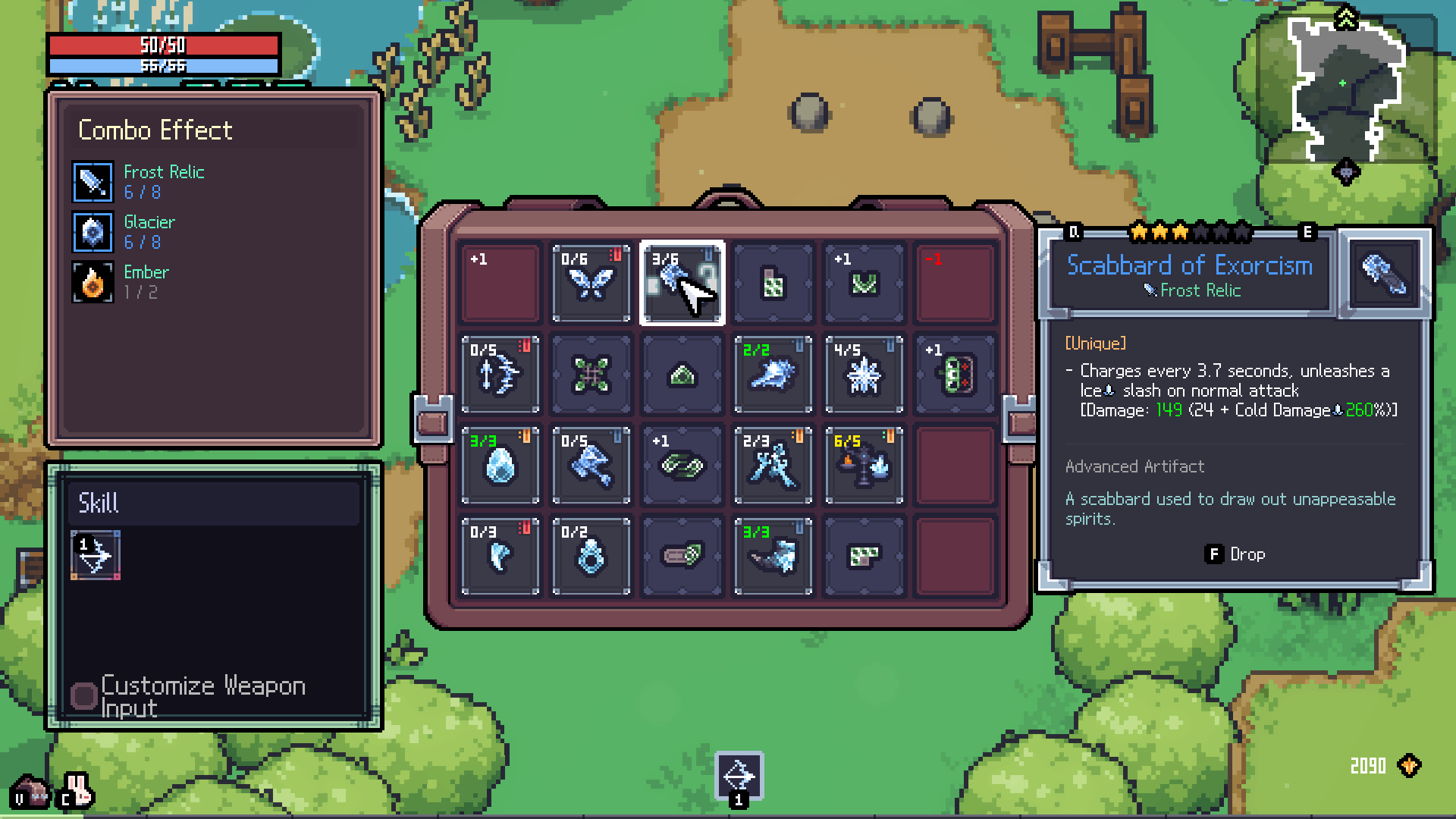
Item trading is an official co-op feature. Select the item you intend to transfer, use the current Drop control shown by the inventory, and let the intended teammate collect it after the room is safe.
Trade without breaking either build
- Read the item's trigger, type, and placement cost.
- Name the teammate whose current core can use it now.
- Use the displayed Drop binding and confirm the right item left the inventory.
- Wait for that teammate to collect it before moving on.
Do not treat every pickup as communal by default. A trade is useful when it strengthens a working interaction more than it weakens the giver's inventory.
| Question | Verified answer | How to plan |
|---|---|---|
| Can players trade items? | Confirmed | Coordinate a drop and pickup. |
| Can players revive teammates? | Confirmed | Protect one reviver and follow the current prompt. |
| Are XP, currency, or quest credit shared? | Not specified | Read the current UI instead of assuming one shared rule. |
| Do host and guest unlocks save identically? | Not specified | Check results after the run before planning around host ownership. |
Connection Issues FAQ
The Steam Invite does not open the lobby. What should we do?
Confirm that the host selected Create Steam Lobby before sending the invite. Recreate the lobby, discard the old invitation, and send a fresh Steam Invite. Both players should restart Steam and Sephiria if the new invitation still does not connect.
Why can one friend join while another cannot?
Have every player finish the tutorial and update Sephiria through Steam. Then compare the build shown by Steam, restart the out-of-date client, and invite that player again from a newly created lobby.
What if the Steam Overlay or invite action is missing?
Check that Steam Overlay is enabled for Sephiria, that both accounts appear online to each other, and that Steam is not in Offline Mode. Restart Steam before changing firewall or router settings.
Are current patches addressing multiplayer disconnects?
Yes. Official 1.0.23 notes say rare connection terminations during combat and while selecting a Miracle were improved. Update first, then report a repeatable disconnect with the room, action, and party size that triggered it.
Where are the logs for a repeatable crash or disconnect?
TEAM HORAY asks Windows players to include Player.log and Player-prev.log from C:\Users\{Your_PC_Name}\AppData\LocalLow\TEAMHORAY\Sephiria. Send a concise report through the official Discord or the support email listed in the official patch notes.
Should we troubleshoot with a four-player party first?
No. Test the host with one guest first. Once that pair can enter reliably, add the other players one at a time so the failing client or stale invitation is easier to identify.
Co-op Tips for Builds
Sephiria does not require a rigid class composition. Build around reliable actions, then use trading and positioning to keep four individual plans from competing for the same space or pickup.
- Describe each core in one sentence.Name the weapon action and Artifact trigger that already work.
- Spread risk across the party.Avoid having every player commit to a long attack at the same moment.
- Trade for immediate value.Route an item to the build that can activate it now, not an imagined final build.
- Keep a revive window.At least one player should be able to disengage when pressure shifts.
Plan the next party run
Use the builds hub to compare current playstyle lanes without inventing a mandatory support, tank, or damage slot.
Explore Sephiria builds